
For the wrong detected language, use More > Transcribe again… after preserving edits. For individual mistakes, tap a word to replay the phrase and correct it with Edit text. Check names, numbers and negatives against the audio. Another pass cannot recover speech that was never audible.
Is the app using the right language?
After selecting an audio or video through Choose a file, choose the spoken language and Fast or High, then start transcription. Keep the app open while it works. If an imported clip was detected incorrectly, follow the rerun steps below before making detailed corrections.
Tap Record, choose the spoken language and then Start recording. Clear pauses help separate phrases. Quick changes within one sentence can still cause mistakes, so give those passages a closer listen.
What can I do about noisy or quiet audio?
Listen to the voice in the recording. Music, other conversations, echo and a distant microphone can hide parts of words. Turning up playback may help you listen, but it will not put missing detail back into the audio.
If you can record again, move closer, reduce the competing sound and make a short test. For a file you already have, correct what you can verify. Leave an unclear phrase marked in your working notes rather than guessing a sentence that happens to fit.
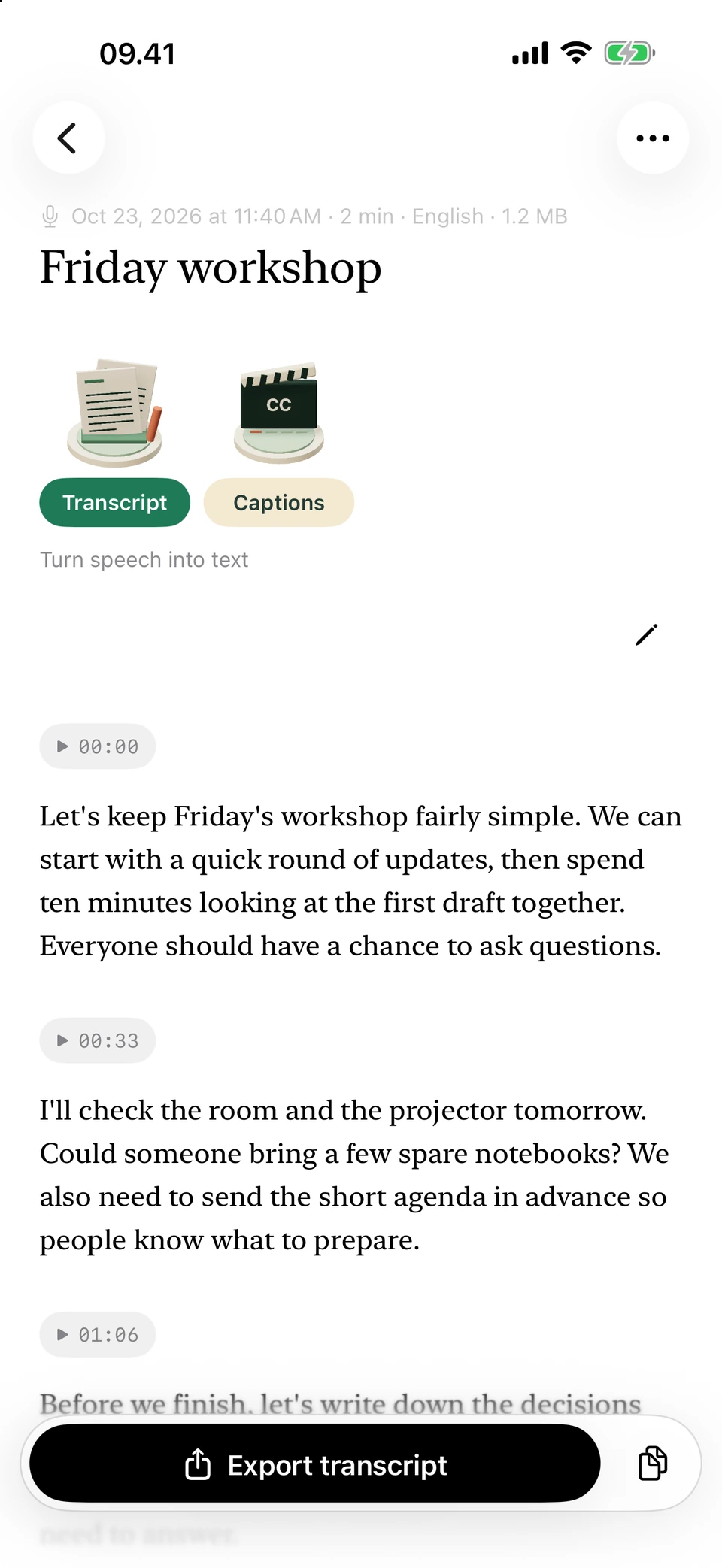
The sample conversation, laid out in paragraphs for review. Screenshots from a development build, using illustrative sample text.
How should I check names and numbers?
Pay particular attention to names, dates, quantities and words such as “not”. They can change the meaning while leaving a sentence that still looks perfectly normal.
- Scroll to the doubtful phrase and tap a word to play from that point.
- Listen to a little before and after it.
- Use Edit text to correct the paragraph from the audio.
- Read the surrounding sentence again.
- If a saved output is now outdated, long-press its important passages and use Copy text to keep manual edits elsewhere before updating. Updating replaces those edits.
When is another transcription pass worth trying?
This reruns the whole recording. Export or copy corrections you need first: a successful pass replaces the transcript. Preserve manual edits in saved outputs before updating those too.
Repeated passes over unclear sound are less useful than careful listening. Keep any uncertainty visible when you cannot make out a word. The model also differs between older and newer supported iPhones, so the same recording can give different results on different devices.
Questions you may have
Why did it get the language of a two-word clip wrong?
There is very little context. Select the language if you know it, then check the words. It helps guide recognition but cannot guarantee the result.
Will selecting a different language correct a misheard word?
Choose the language actually spoken, then recognize the recording again if needed. For individual mistakes, replay the passage and correct the original text.
Can it separate two people talking at once?
No. The app doesn’t separate speakers. Replay overlapping speech and correct only the words you can identify. For a new recording, try to let each person finish.
Can Clean read fill in missing words?
Treat it as a rewrite of the text you have, not evidence of an unclear recording. Go back to the audio to check the words.